
Point of Sale System
Search
Add to Cart
Checkout
Print Receipt
Try It Yourself
Demo Instructions
Username: admin
Password: 12345678
Navigate to Dashboard > POS or click the button below.
Open POSUse the search bar to find products and click to add them to the cart.
Add a customer, apply coupons or manual discounts to the order.
Complete the sale and print a receipt or save it as PDF.
POS Interface Preview
Screenshots
See the POS system in action
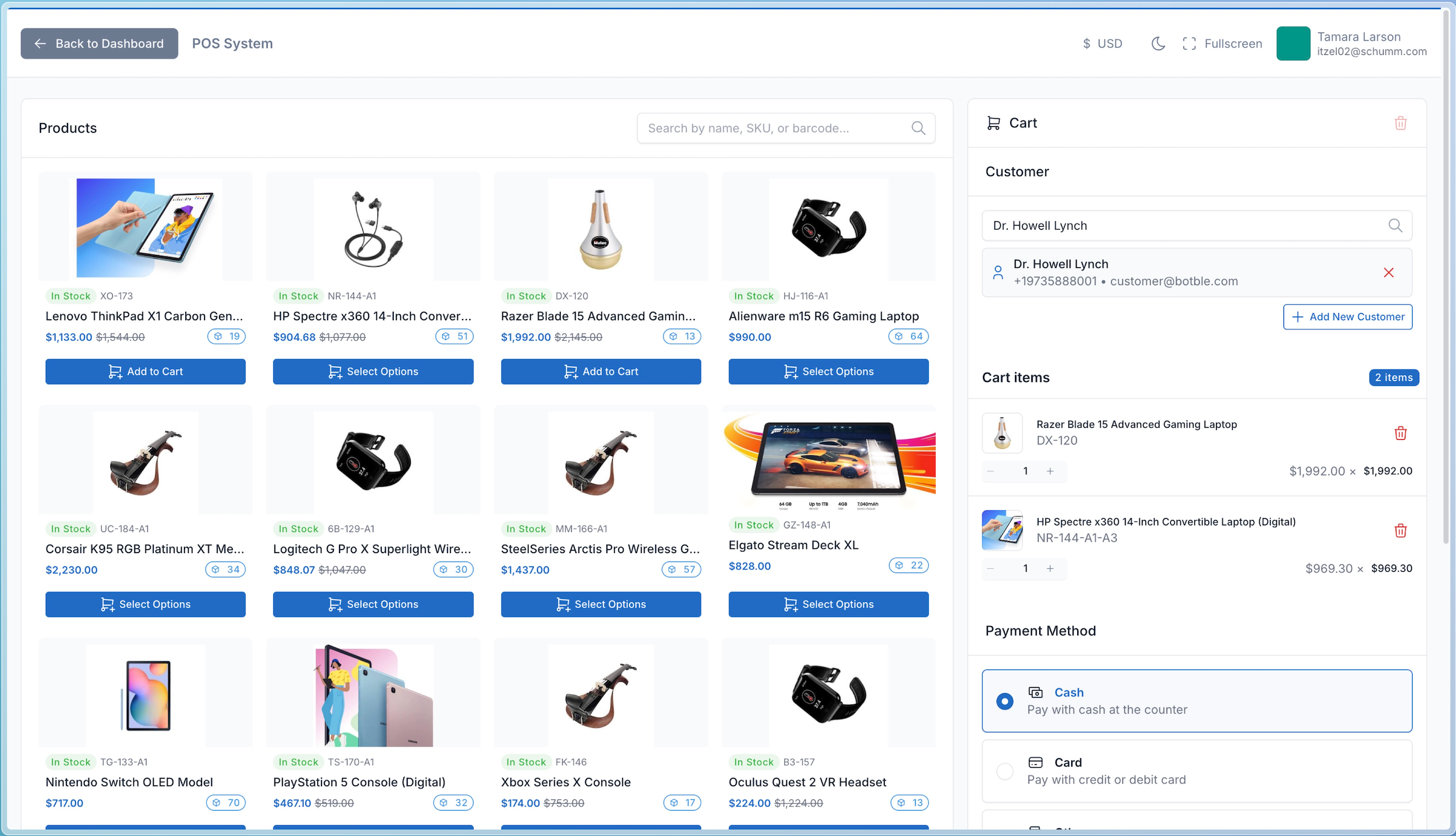
POS Interface
Clean and intuitive interface with product grid, search bar, and cart sidebar for fast checkout.
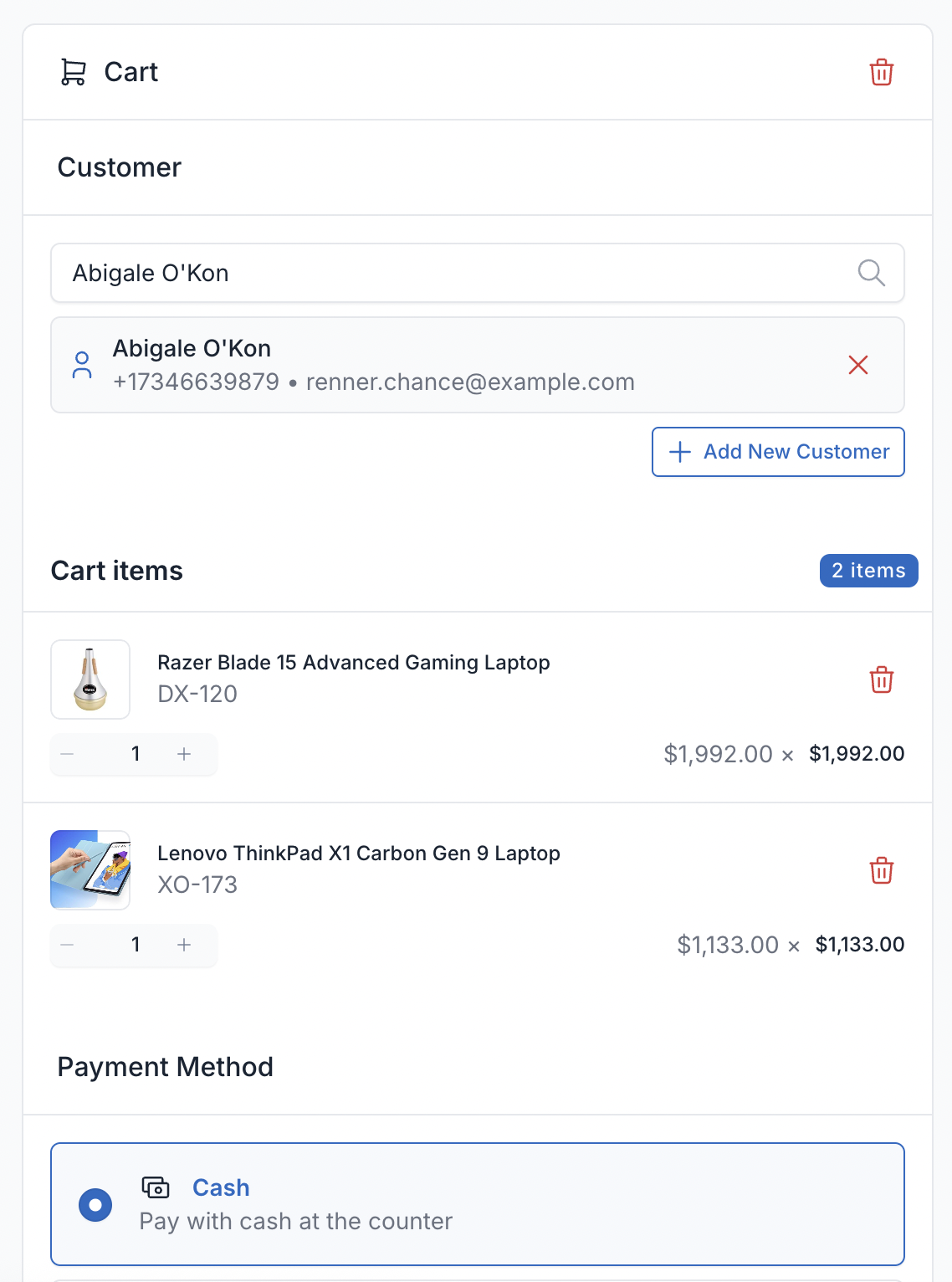
Cart with Products
Manage cart items with quantity adjustments, discounts, and real-time total calculations.
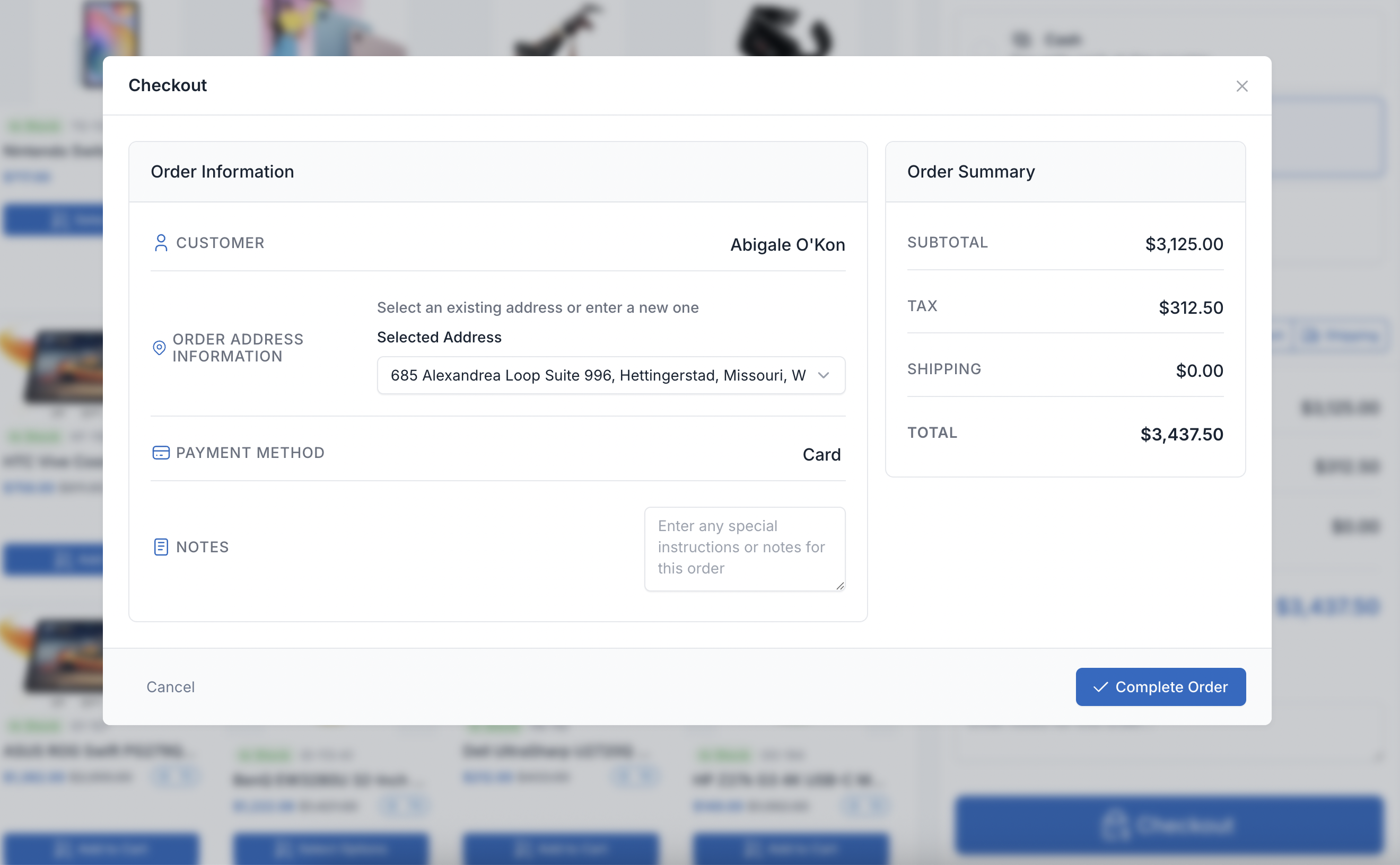
Checkout Process
Complete checkout with multiple payment methods, customer selection, and order confirmation.
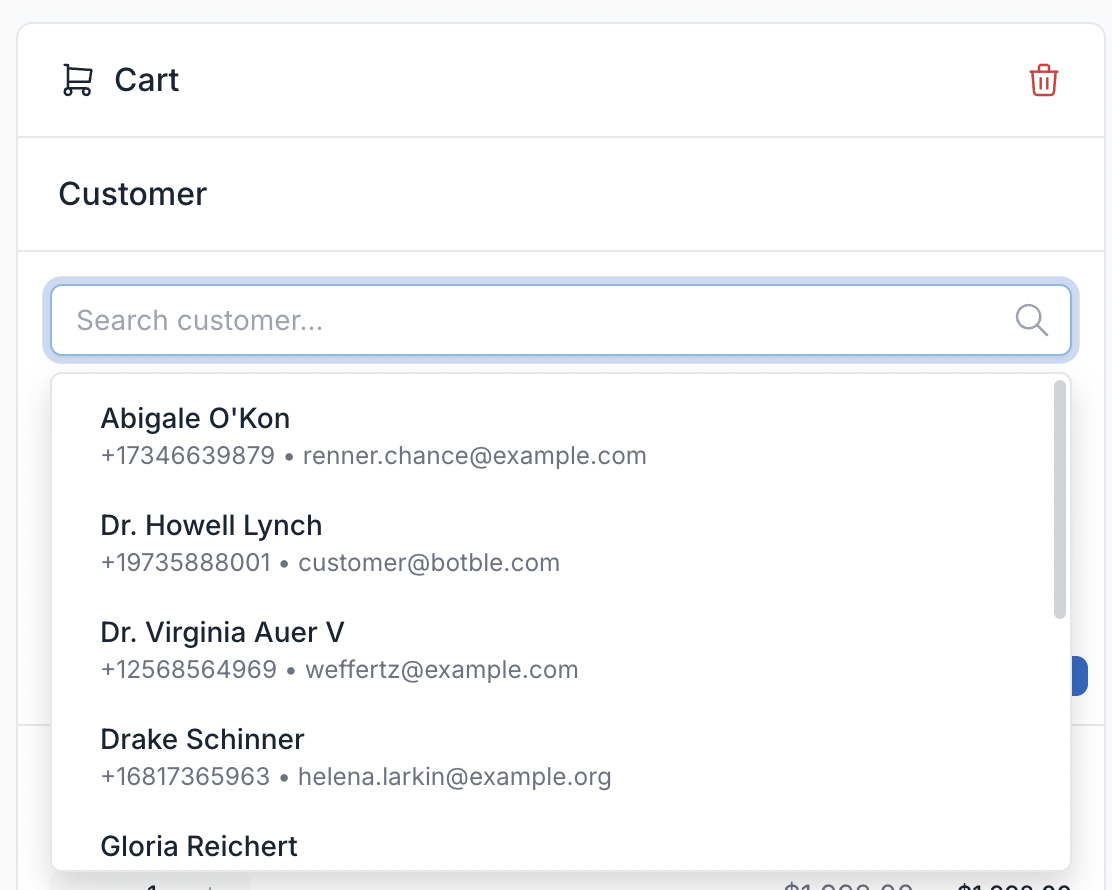
Customer Selection
Search and assign customers to orders for tracking and loyalty programs integration.
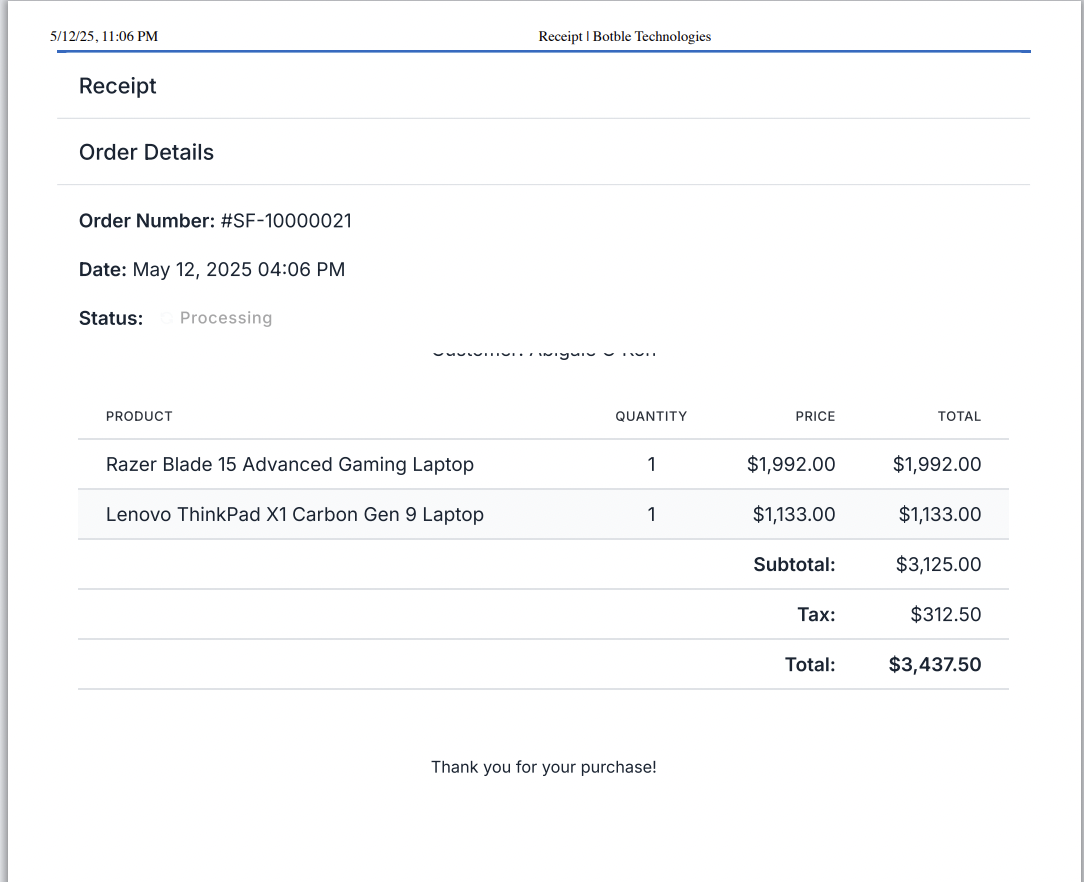
Receipt Preview
Preview and print professional receipts with customizable templates for thermal printers.
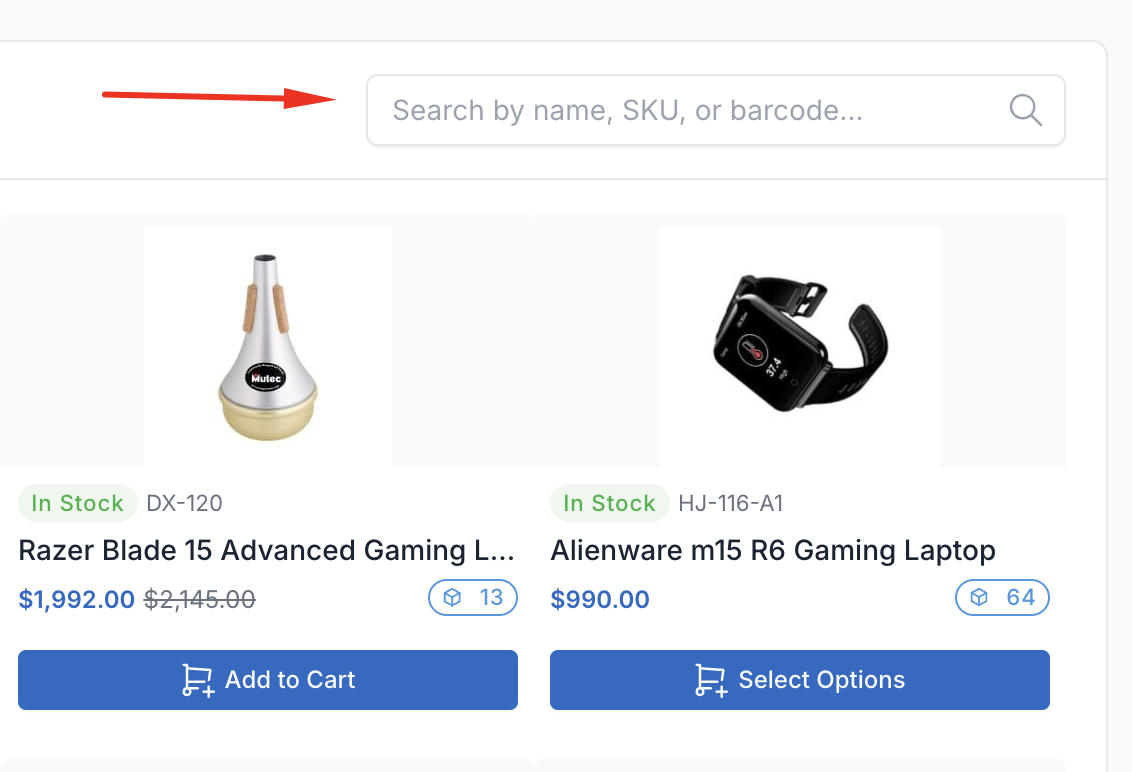
Product Search
Fast product search by name, SKU, or barcode scanning for quick order processing.
Additional Features
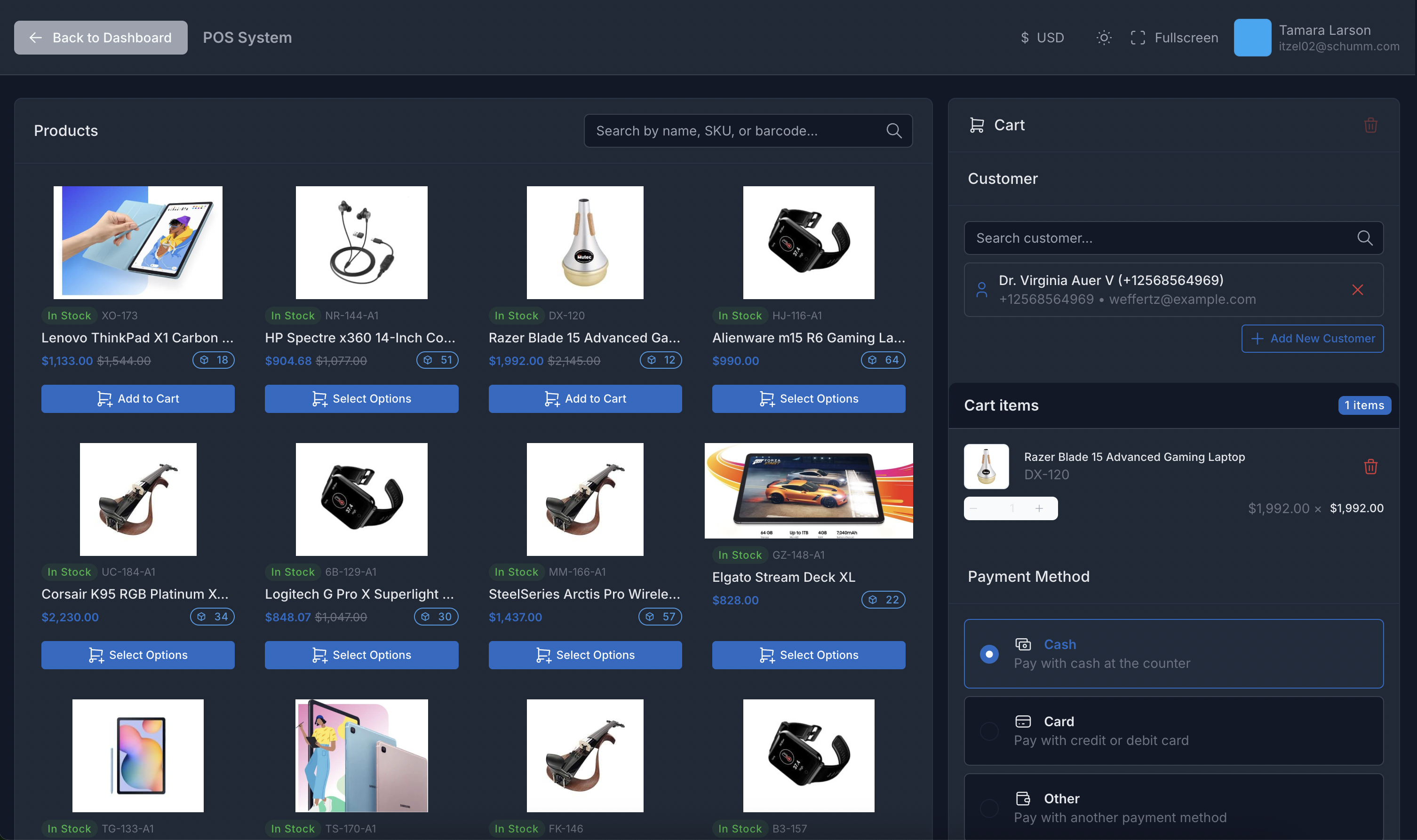
Dark Mode
Eye-friendly dark theme for comfortable extended use and reduced eye strain.
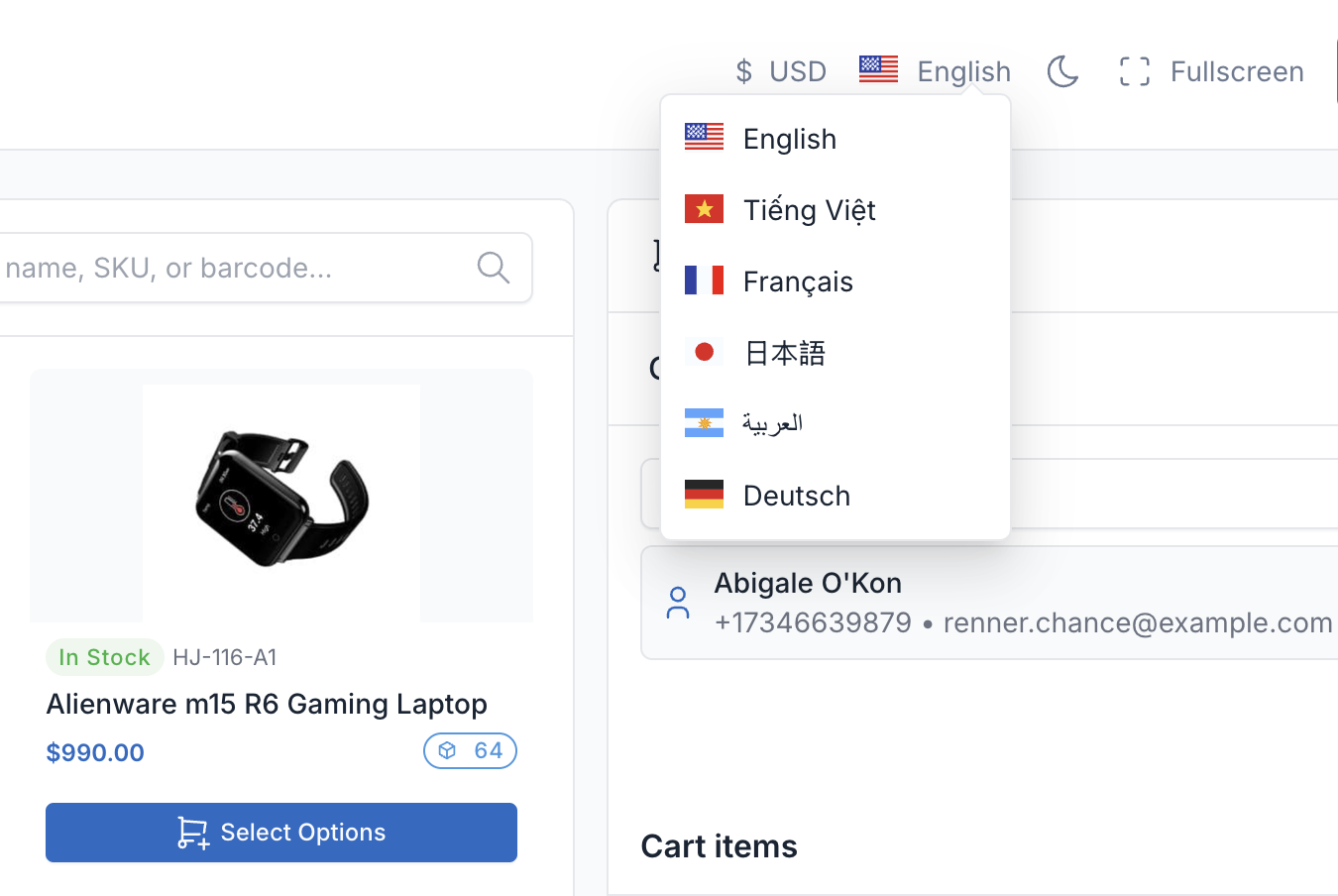
Multi-Language Support
Full internationalization support with 20+ languages and RTL layout for Arabic.
POS Features
Everything you need to run efficient retail operations
Barcode Scanning
Quickly add products by scanning barcodes with USB or camera scanners.
Receipt Printing
Print professional receipts with customizable templates on thermal printers.
Multi-Payment Support
Accept cash, card, and digital payments in single transaction.
Customer Management
Create and assign customers to orders for loyalty tracking and history.
Discounts & Coupons
Apply percentage or fixed discounts, validate and apply coupon codes.
Multi-Currency
Support multiple currencies with automatic conversion based on rates.
Quick Cart Operations
Add, remove, adjust quantities with keyboard shortcuts for speed.
Reports & Analytics
Track sales, revenue, and performance metrics with detailed reports.
Multi-Language
Interface available in 20+ languages with RTL support.
Fully Compatible
POS Pro plugin is fully compatible with Botble CMS and all e-commerce themes available on CodeCanyon.